Align One On One Tool
Designed a coaching and team alignment platform to help managers prepare for one on one meetings, track goals, request feedback, and build stronger employee relationships.
Overview
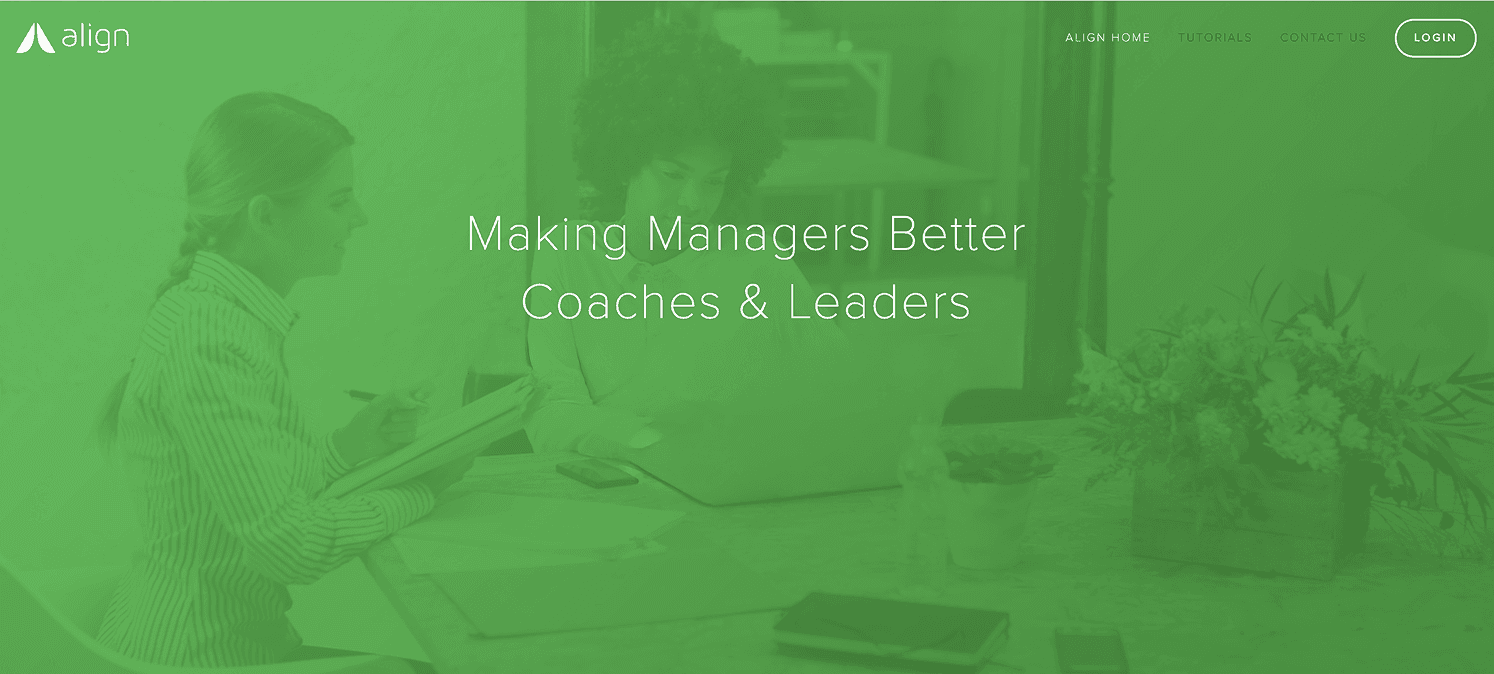
Align helps managers focus on their people by giving them tools to coach, align, and support their teams. The One On One Tool was created to help managers stay prepared for coaching conversations while giving team members a clear place to share goals, tasks, and feedback.
My Role
My work focused on shaping the product experience across desktop and iOS views. The goal was to make coaching feel structured, clear, and lightweight instead of turning it into another layer of admin work.
I helped organize the core product flows around one on one meetings, calendar visibility, shared agendas, feedback, and employee growth tracking.
Problem
Managers were trying to support their teams, but important coaching moments were often scattered across calendars, notes, and informal conversations.
The team needed a more structured way to:
- Schedule recurring one on one meetings
- Prepare agendas before conversations
- Track coaching history over time
- Keep goals and tasks visible
- Request feedback from others
- Understand how employees were doing
The core challenge was helping managers coach consistently without making the tool feel heavy or clinical.
Strategy
The product was designed around the natural rhythm of manager and employee conversations. Instead of creating another heavy management tool, the experience focused on making preparation, scheduling, notes, and feedback feel simple and repeatable.
The system brought together calendars, one on one agendas, employee profiles, feedback requests, and meeting history into one connected workflow.
Core Product Experience
The experience centered around the one on one meeting as the main touchpoint. Each team member was given a living one on one agenda where managers and employees could add notes, goals, talking points, and tasks before a meeting.
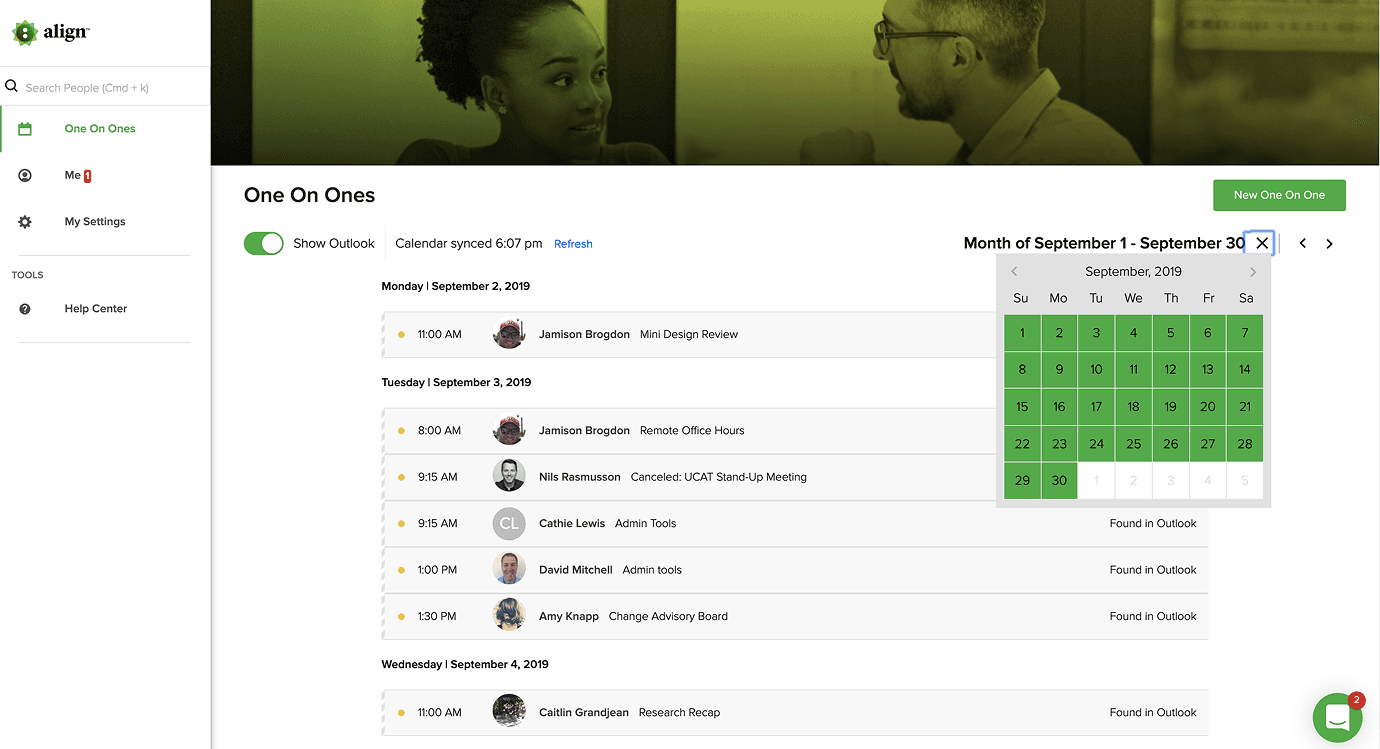
The calendar experience helped managers see upcoming one on one meetings while staying connected to the tools they already used. Since many clients relied on Outlook and Google Calendar, the interface needed to support those existing workflows while making scheduled coaching sessions easier to find and manage.
Interface System
The interface needed to feel calm, clean, and useful. Coaching is personal, so the product could not feel cold or overly technical.
The design system supported clear hierarchy, simple actions, readable meeting history, and fast access to goals, feedback, and agenda items.

Feedback and Team Alignment
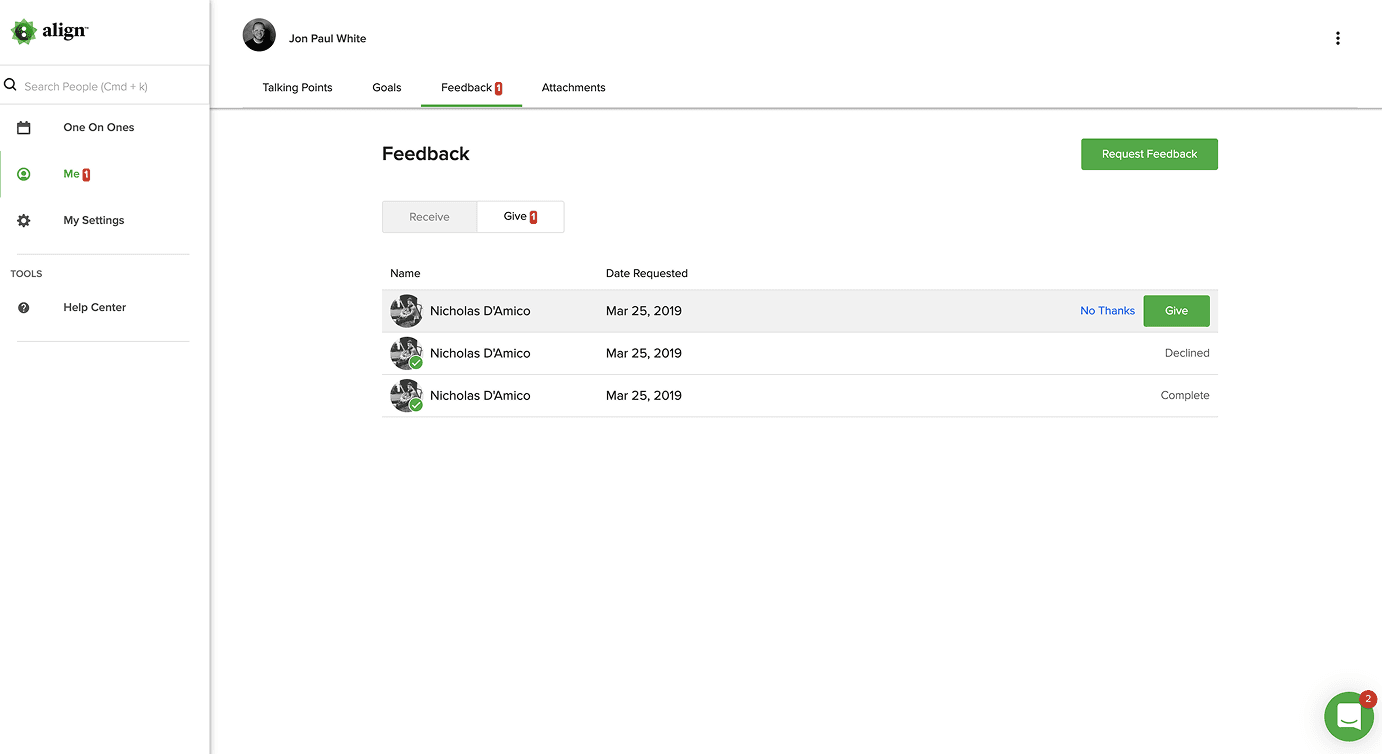
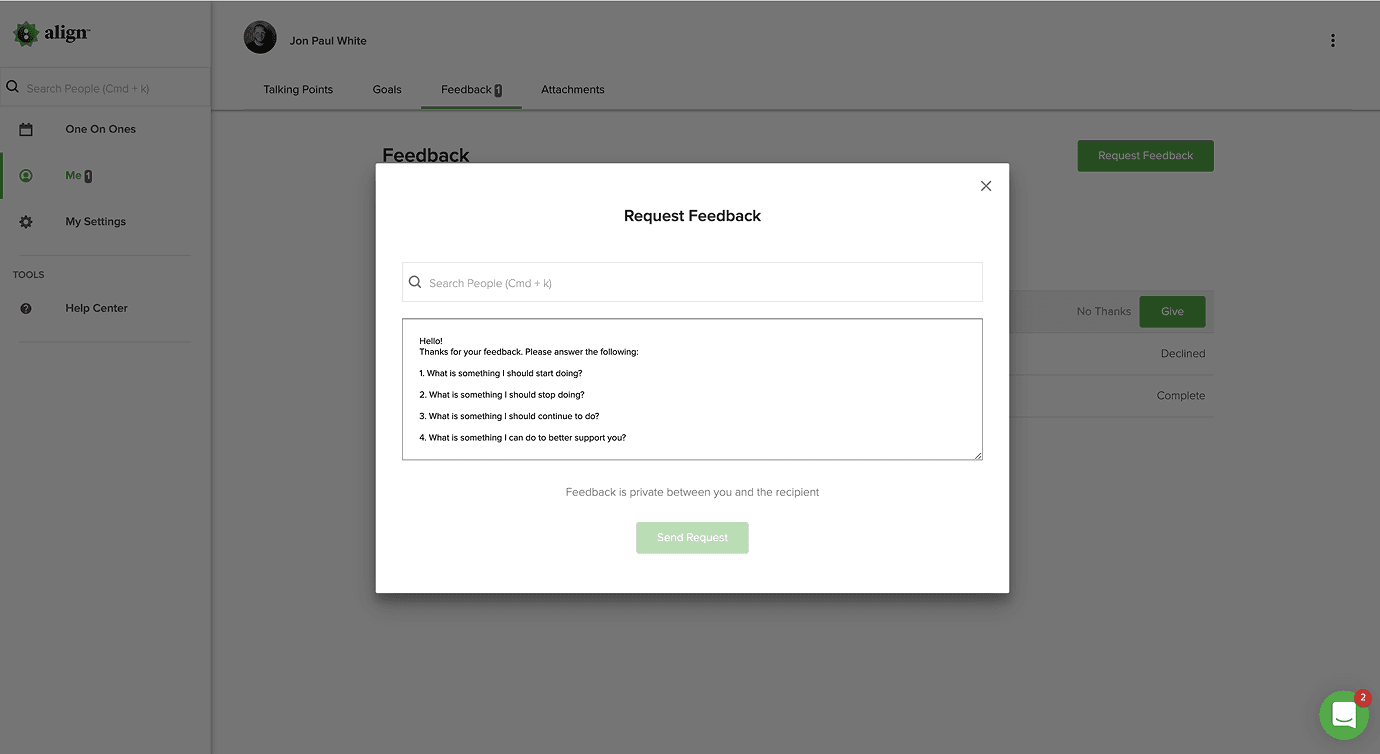
The product included feedback tools that allowed managers to request insight from others. This helped managers get a broader view of employee performance, strengths, and areas for growth.
The experience was built to support better team alignment, not just better meeting notes.
Mobile Experience
The product included both desktop and iOS views. The mobile experience focused on quick access to one on ones, goals, feedback, talking points, and calendar information while managers were away from their desk.

Outcomes
The final product gave managers a clearer way to prepare, meet, follow up, and coach their teams. It turned one on one meetings from isolated conversations into an ongoing record of goals, feedback, and employee growth.
The solution kept the core actions clear:
- See upcoming meetings
- Prepare the agenda
- Capture notes and history
- Request feedback
- Review goals and tasks
- Follow up with more context

Impact
This project helped create a more connected coaching workflow for managers and teams. The impact was strongest in clarity, preparation, and visibility. Managers could better understand upcoming meetings, past conversations, employee goals, and feedback from others.
Reflection
This project showed the value of designing for human rhythms, not just software tasks. Coaching is personal, so the interface needed to feel calm, clear, and supportive. The strongest part of the product was the way it helped managers turn small conversations into a larger story of growth.